Hands-On Component: Playing with Ethereum and Claiming the Course NFT
Lecture 7 · Wednesday, September 23, 2026
Complete this hands-on component during Lecture 7.
Summary
- Install MetaMask and create an Ethereum wallet.
- Obtain free Sepolia test ETH.
- Claim the course NFT.
Step 1: Install MetaMask
MetaMask is a cryptocurrency wallet, a piece of software that helps you create and manage keys, make transactions, and interact with Web3 apps. We will use its browser extension version since it’s the simplest, though it’s also available as a mobile app.
If you already have a MetaMask browser extension and you use it for anything valuable, we strongly recommend creating a separate wallet just for this course, not merely another account in your existing wallet. You can do this in a separate browser profile without changing your existing wallet.
For those we don’t have Metamask yet, install MetaMask for your browser. It’s available in Chrome, Firefox, Edge, or Brave. Follow the setup prompts to create a new wallet.
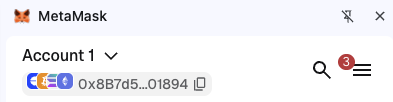
Once you have a new wallet, it should create a new account for you automatically (a wallet can have multiple accounts). In the following screenshot, 0x8B7d5...01894 is the address of Account 1, in this wallet. When you see something like this, proceed to the next step.
Step 2: Get testnet ETH
A testnet is a separate blockchain for experiments using coins with no real-world value.
For our Bitcoin experiments, we used testnet4.
Ethereum has several testnets, and we will use Sepolia.
First, you need to get some SepoliaETH to pay for transaction fees.
- Copy your Ethereum account address from MetaMask using the copy icon next to
the address. It starts with
0x. - Open the Google Cloud Sepolia faucet and sign in with a Google account. A faucet distributes free test coins. Make sure Ethereum Sepolia is selected, paste your address, and request test ETH.
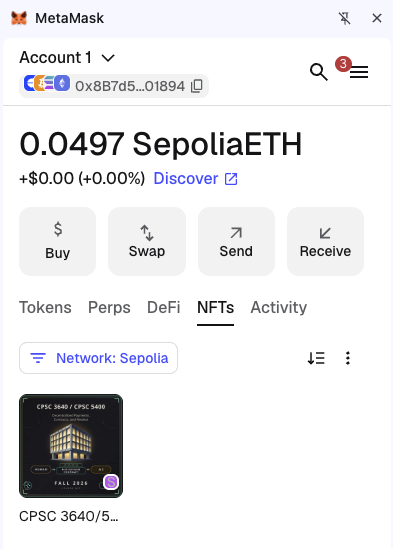
- Wait for the transfer (this should take less than 30 seconds), then check MetaMask. You should see a nonzero SepoliaETH balance, as below. Check both the Sepolia network name and the SepoliaETH label to confirm you are using the testnet. Your balance need not match the screenshot.
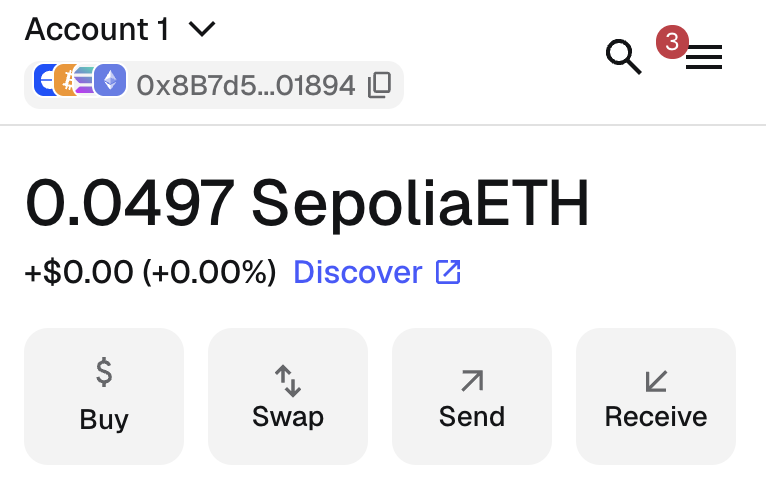
Your Metamask wallet may not display SepoliaETH balance by default. If you don’t see a balance show up, you need to turn on testnet as follows: In MetaMask, open the menu in the top-right corner, select Networks, and enable Show test networks at the bottom of the list. Then select Sepolia. See MetaMask’s illustrated instructions if your interface looks different.
Make sure you see ~0.05 SepoliaETH before proceeding to the next step.
Step 3: Claim your NFT!
We have created five Yale-themed digital collectibles as NFTs. (Click to zoom in.)
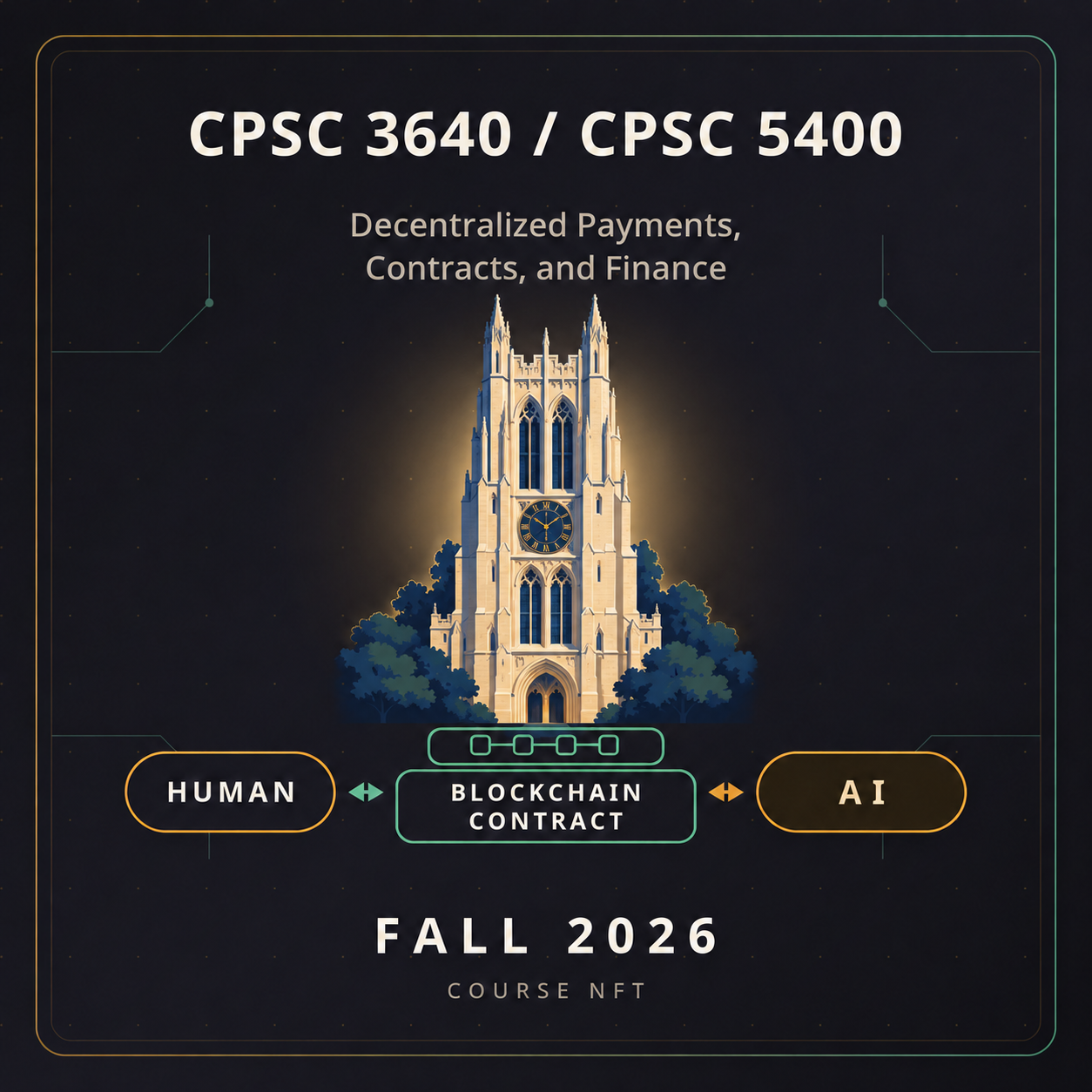
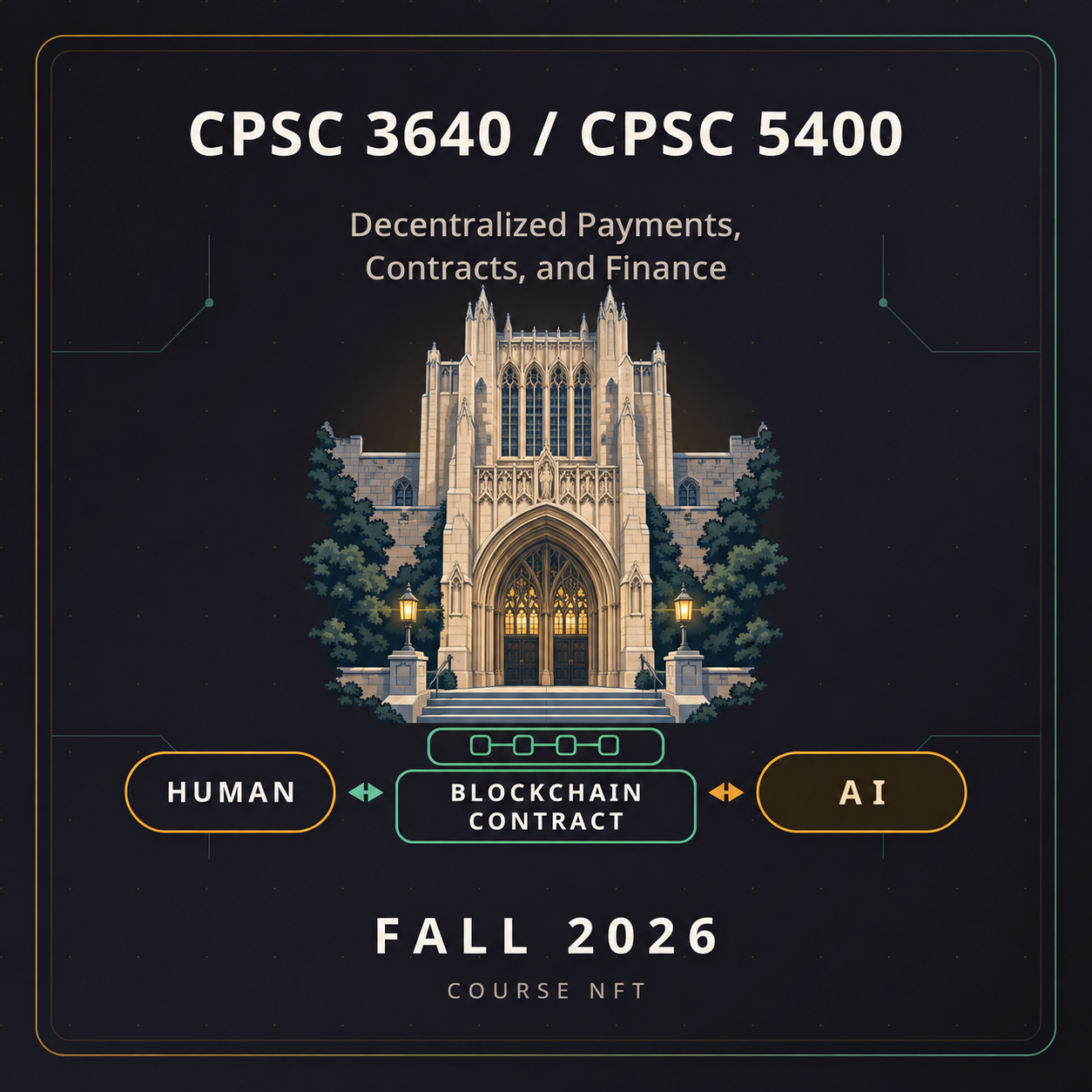
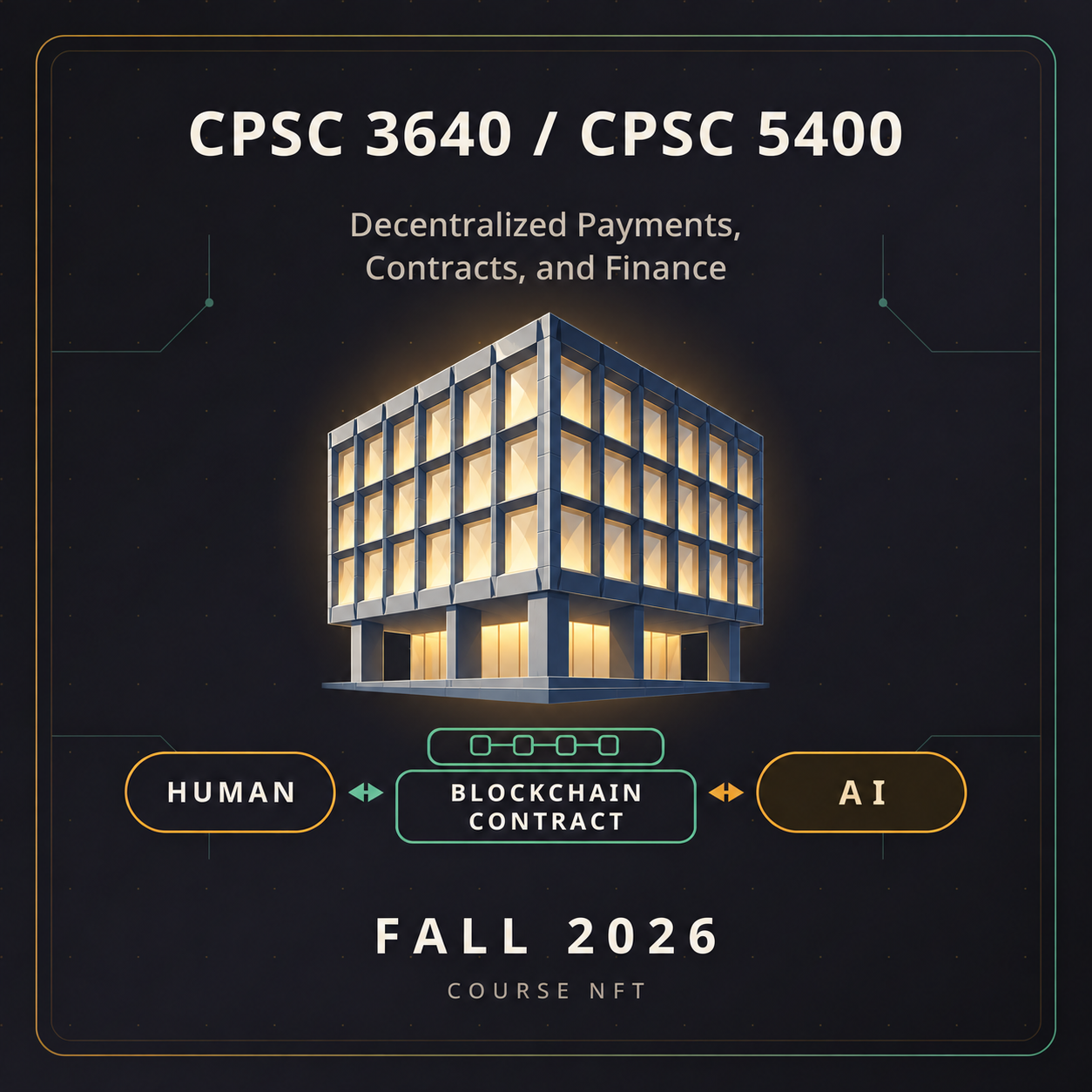
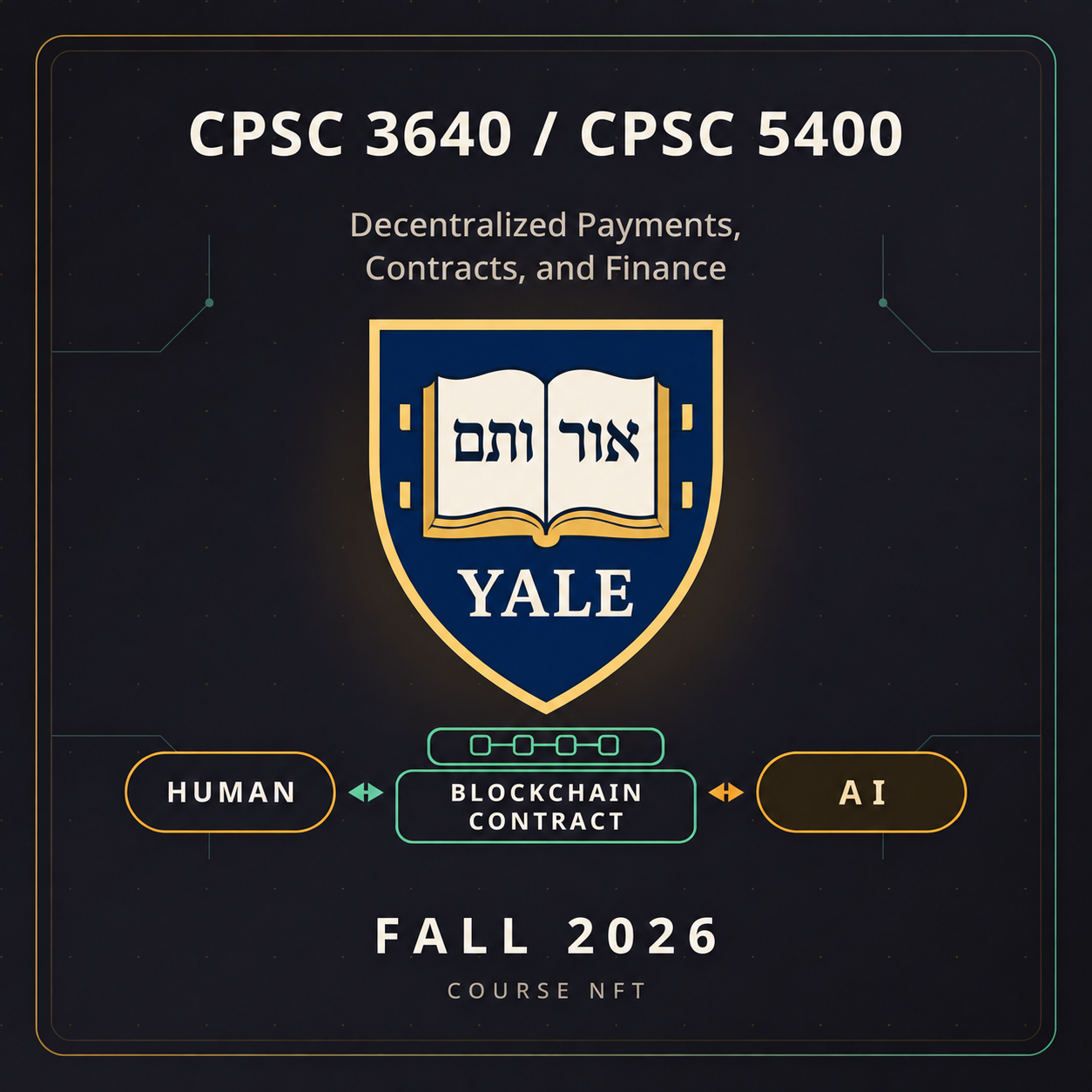
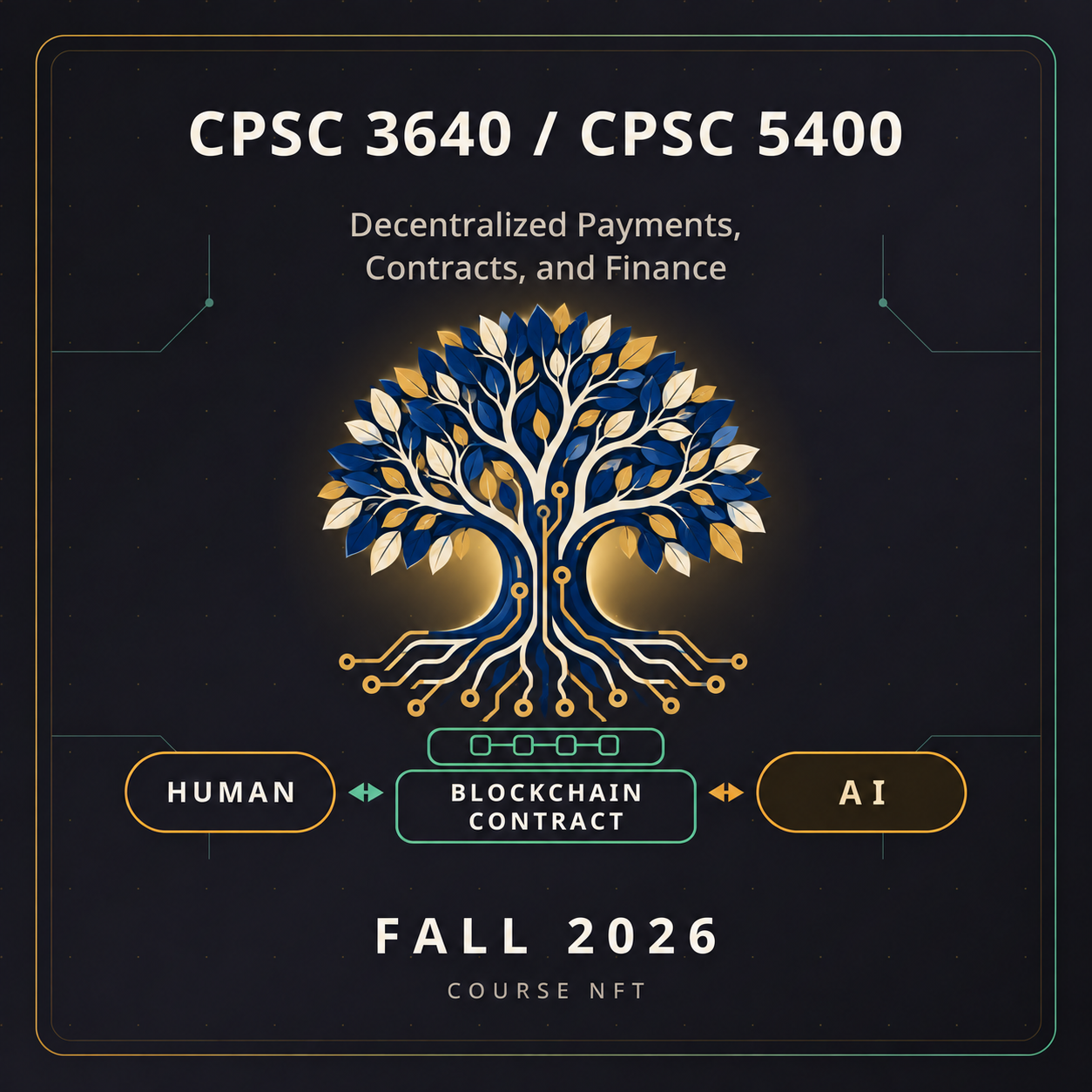
An NFT (non-fungible token) is a uniquely identified token whose ownership is recorded on a blockchain. Here, you will claim an NFT as a souvenir of this exercise, using the following Web3 application that we built.
Open the course NFT claim page and follow its instructions to connect your course wallet and claim the NFT on Sepolia. Approve the claim transaction in MetaMask, then wait for the page to show your NFT. The NFT is free, but the transaction uses a small amount of SepoliaETH to pay the network fee, called gas.
Your claimed NFT will be shown in your wallet, and will be forever yours recorded on a blockchain.